“A POTENTIAL INSTANT CLASSIC!”
- POCKETGAMER
BUY ON STEAM
As you approach the entrance to the lair you notice a rusty sign that says:
Tread lightly, adventurer! You are in the Tall Troll territory – the infamous den of strong, independent gamecrafters. Look around but mind the hazard of crawling bugs, addictive substances we call games or taking an arrow in the knee🏹 Enjoy your stay and let the fun begin!
TROLL GAMES
Not many have taken the journey and remained indifferent to what they have seen inside. Some lost their sanity, but we assure you, those are just legends… mostly. Dive in, enjoy the magic, and let’s create stories worth sharing!
With enormous desire and sweaty palms they tinker, craft and polish around the clock and other circular objects, to bring the Shineys to the hungry audience. They feed on the feedback and are excited to discuss the undisputable. They are happy to supplicate, complicate and communicate!
Trophies from the other Realms
PROJECTS
Our journey isn’t just about following the main brick road. We’ve taken many a detour, completing side quests and lending a hand to fellow adventurers in need. Because every path, no matter how winding, adds to our story. Dive in, and let’s wander these enchanting trails together!
OUTLAW GALS
MOTORCYCLE CLUB
OGMC is a collection of absolutely kickass Female Bikers that was created with love and care by our friend Katherine Swampmaid. Trolls are responsible for the technical support, contract, generation and website.
PROJECT
EARTHIANS
Our friend Dmitri Sarle is working on an idea to change no less than the way we work. He thrives to help others creating egoless companies together. Trolls are responsible for both the art and technical side of the project.
CRAZY CAT
DAMSELS
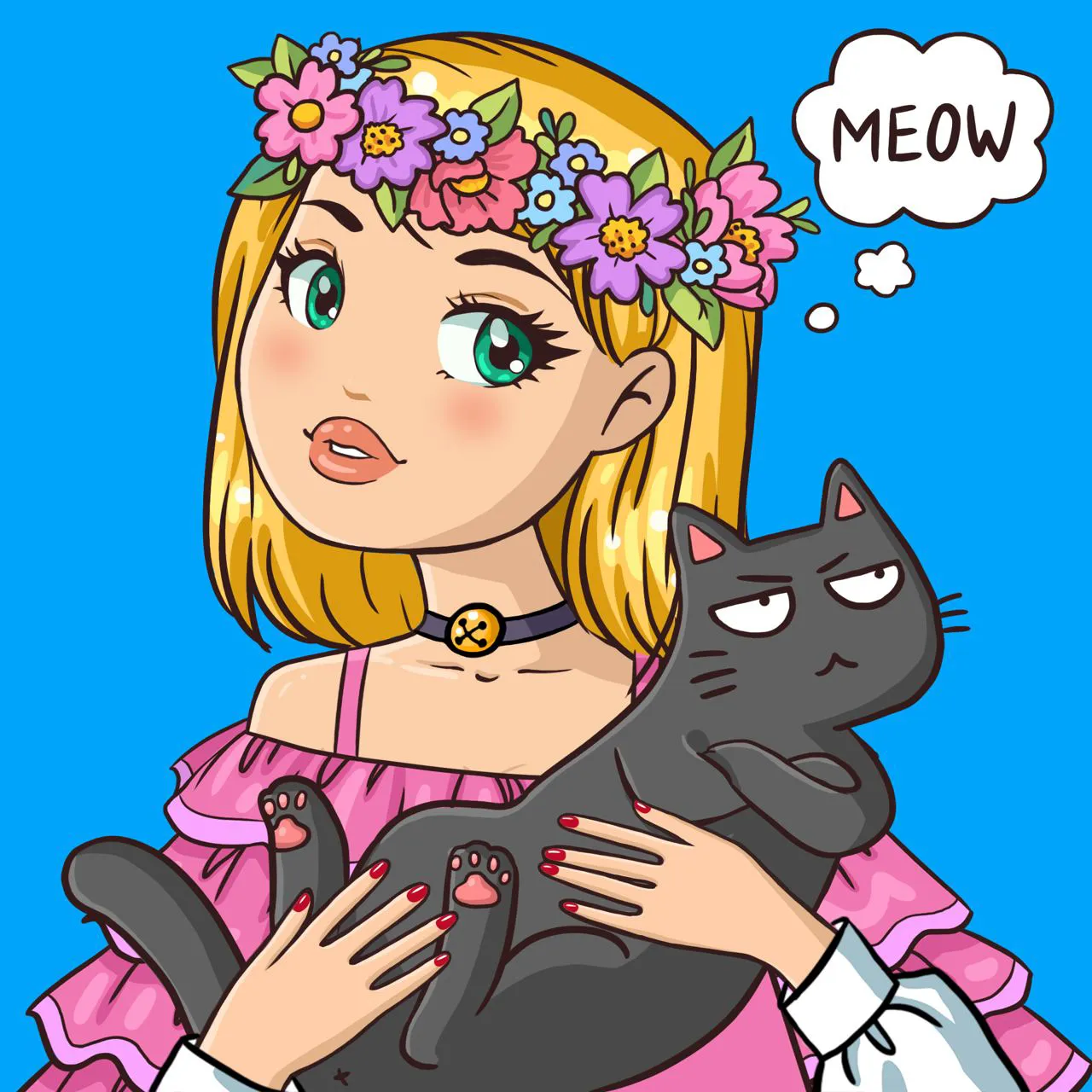
Darja, artist behind Catsu the Cat, celebrates two of life’s greatest joys: Cats and Art. This project is part of her PhD dissertation. Trolls are responsible for the technical support, contract, generation and website.
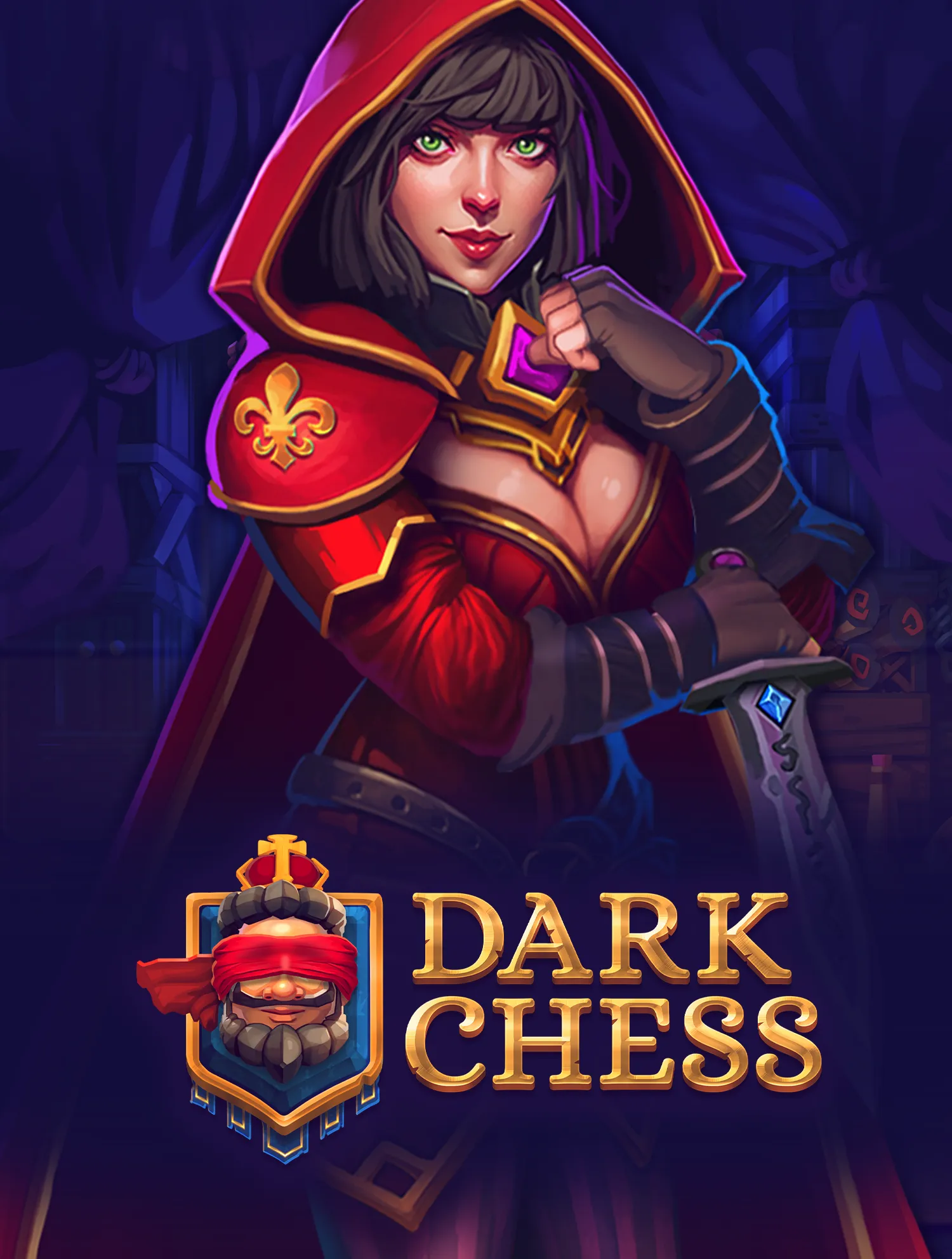
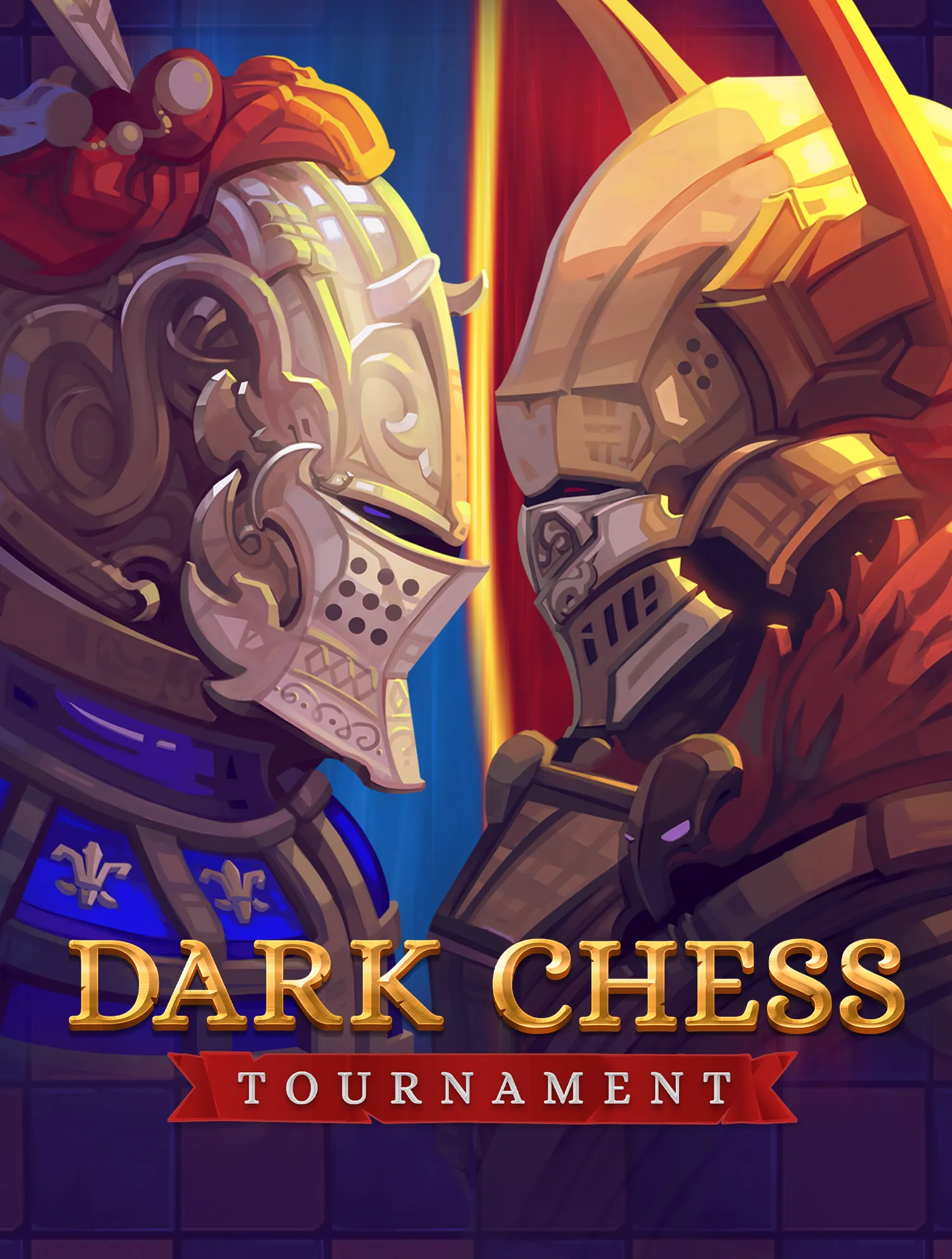
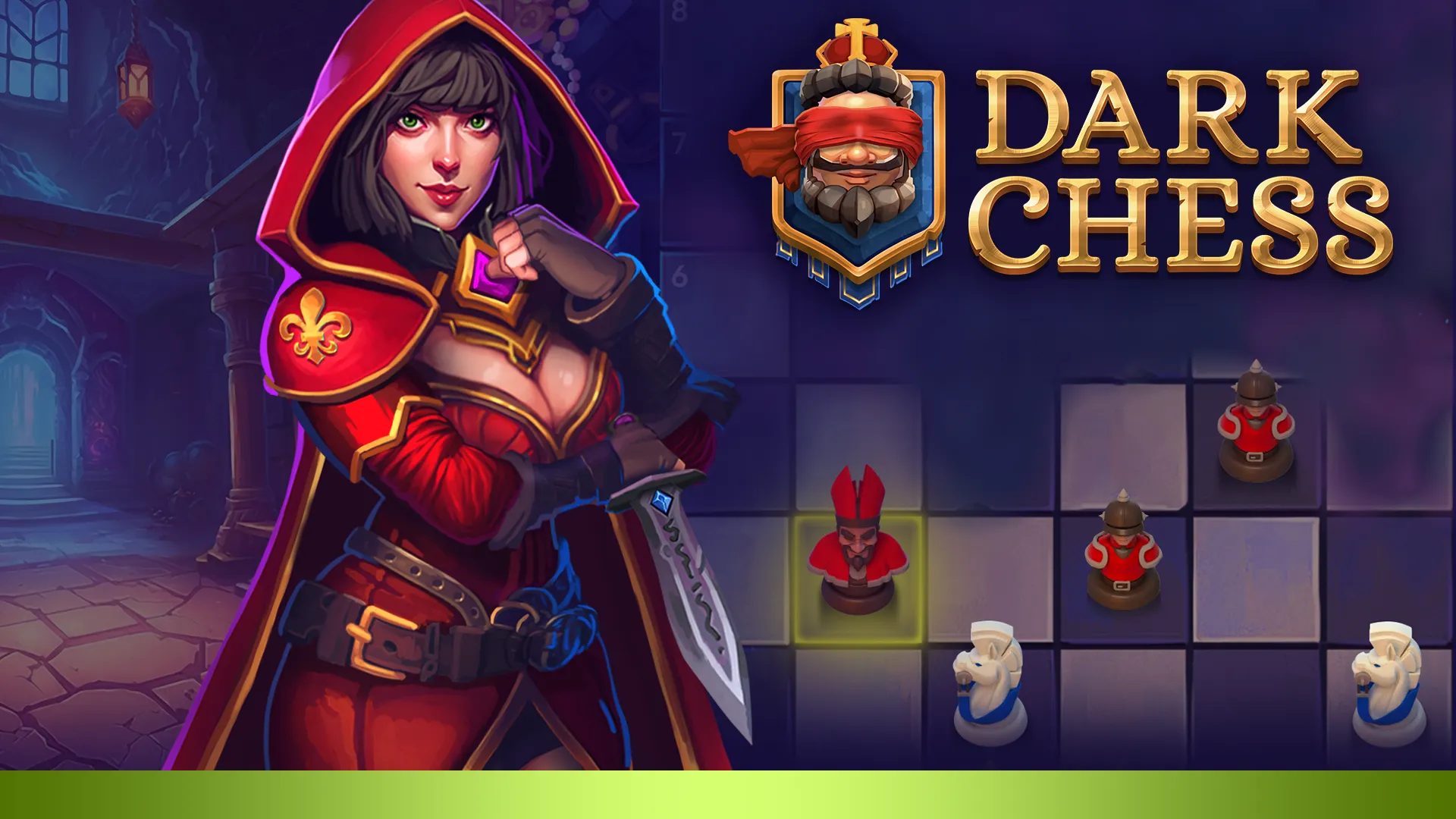
“You wouldn’t think it’s possible to completely reinvent the game of chess whilst not altering the rules would you? Well that’s exactly what Tall Troll Games has done.
Combine all this with triple-A presentation alongside a wealth of customizable options and multiplayer modes and you’ve got everything ready for a potential instant classic.” – POCKETGAMER
A TIGHT BUNCH GONE LOOSE
The self-proclaimed grandmasters of mediocrity bordering with brilliance, the third element in trinity of immovable object and unstoppable force.
We take no responsibility for meeting your expectations. We also accept credit cards in case you want to donate a healthy dose of criticism. Terms and Conditions apply, but not to everyonе. Yes, we’re talking to you, rebellious spirit!